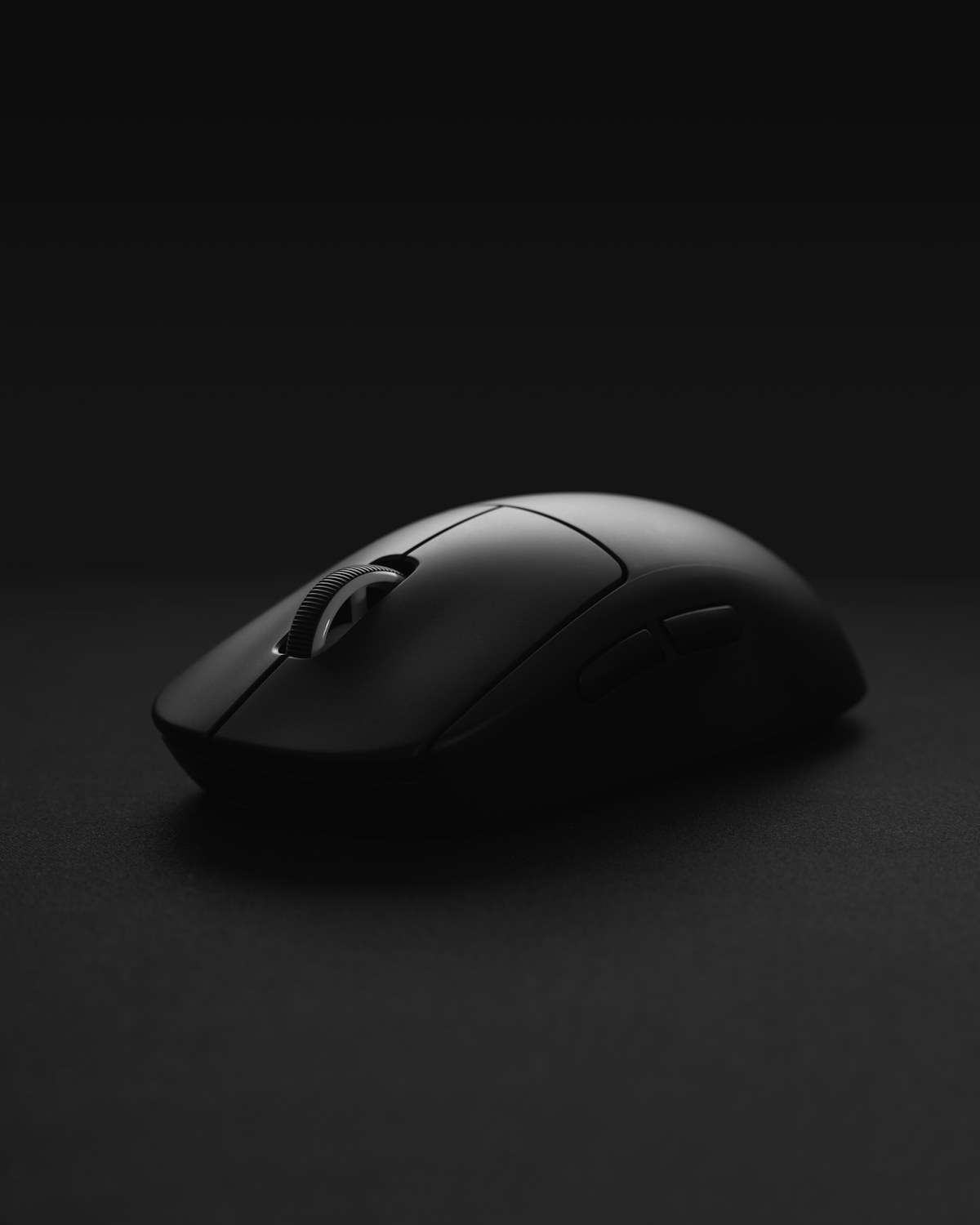
Quick verdict
Buy the Logitech MX Master 3S if your mouse stays on your apartment desk most of the week and you spend hours inside spreadsheets or timelines where the thumb wheel shines. Buy the MX Anywhere 3S if you carry your laptop to campus libraries, coffee shops, or flights every day and prefer a lighter, compact grip.
Strengths of this guide
- Focuses on real daily portability vs desk ergonomics
- addresses hand-size comfort and library click noise honestly.
Limitations and scope
- Ergonomic comfort varies by hand length and grip style (palm vs claw)
- try holding a display unit if you have very small hands before committing to the larger MX Master 3S.
Why the "best desk mouse" is not always the best backpack mouse
Everyone on tech YouTube recommends the Logitech MX Master 3S—and for a stationary home office desk, it genuinely earns that reputation. Yet when you are carrying a laptop, charger, and textbooks across a US campus or working from cramped library tables, a 141-gram sculpted mouse starts feeling bulky in a small tech pouch.
That daily split between an apartment desk and campus study spaces made me compare the MX Master 3S directly against its compact sibling, the MX Anywhere 3S. Both share Logitech's 8K DPI Darkfield sensor (which tracks even on glass tables), Quiet Click switches, and the electromagnetic MagSpeed scroll wheel—so the real decision comes down to shape, weight, and the side thumb wheel.
MX Master 3S vs MX Anywhere 3S: spec and daily-use comparison
| Specification | Logitech MX Master 3S | Logitech MX Anywhere 3S |
|---|---|---|
| Weight | 141 g (substantial, anchored desk feel) | 99 g (lightweight, easy to pack in any pouch) |
| Grip and hand size | Sculpted right-hand palm grip; best for medium to large hands | Low-profile symmetrical shape; comfortable for smaller hands and claw/fingertip grip |
| Horizontal scrolling | Dedicated physical thumb wheel (great for Excel, Figma, video timelines) | Side buttons + scroll wheel shortcut (works, but less natural) |
| Click noise | Quiet Clicks (soft muted thud, library-safe) | Quiet Clicks (virtually identical quiet acoustics) |
| Glass tracking & Bluetooth | 8,000 DPI sensor, 3-device Easy-Switch, USB-C charging | 8,000 DPI sensor, 3-device Easy-Switch, USB-C charging |
What I appreciate most about the MX Master 3S
If you spend three hours a day scrolling horizontally across SaaS comparison sheets, Figma canvases, or video editing timelines, the dedicated thumb wheel alone justifies the MX Master 3S. Your hand rests in a gentle pronated angle that keeps wrist fatigue down during long evening sessions.
Why the MX Anywhere 3S wins for mobile days
When working on a shallow 45 cm desk or a crowded cafe table, the MX Anywhere 3S takes noticeably less sweep space and drops cleanly into a jacket pocket or slim sleeve. You still keep the exact same Quiet Click switches—meaning zero loud clicking stares in a silent university library—and the MagSpeed free-spin wheel for skimming 80-page PDF readings.
How to decide quickly
- Choose MX Master 3S if 80% of your hours happen at one fixed desk and you rely on horizontal scrolling.
- Choose MX Anywhere 3S if you commute with your laptop daily, have smaller hands, or want one lightweight mouse that works on any table surface.
Frequently asked questions
Are the Quiet Clicks on the MX Master 3S and MX Anywhere 3S actually silent?
They are not 100% silent, but they produce a soft, muffled low-pitched click that is roughly 90% quieter than standard mice—completely safe for quiet libraries and shared dorms.
Does the MX Anywhere 3S include a Logi Bolt USB receiver?
No, the MX Anywhere 3S typically ships with Bluetooth connectivity and a USB-C cable only (the Logi Bolt receiver is sold separately), whereas the standard MX Master 3S includes the receiver in the box.
How long does the battery last on a single charge?
Under normal 6-to-8-hour daily workdays, both mice reliably last several weeks to over two months on a single USB-C charge, and a one-minute quick charge provides hours of use.
Official sources and tools mentioned
- LogitechVisit Logitech official site