Quick verdict
Replace three separate factory bricks with one compact 100W 3-port GaN charger (such as Anker Prime 100W or UGREEN Nexode 100W) plus two 100W-rated braided USB-C cables. Check multi-port power split tables before buying so plugging in your phone does not starve your laptop.
Strengths of this guide
- Explains the power-renegotiation pause and multi-port wattage split trap that buyers overlook
- keeps backpack weight minimal.
Limitations and scope
- 16-inch gaming laptops requiring 180W–240W proprietary barrels still need their factory adapter under full GPU load.
Why carrying three factory power bricks makes no sense anymore
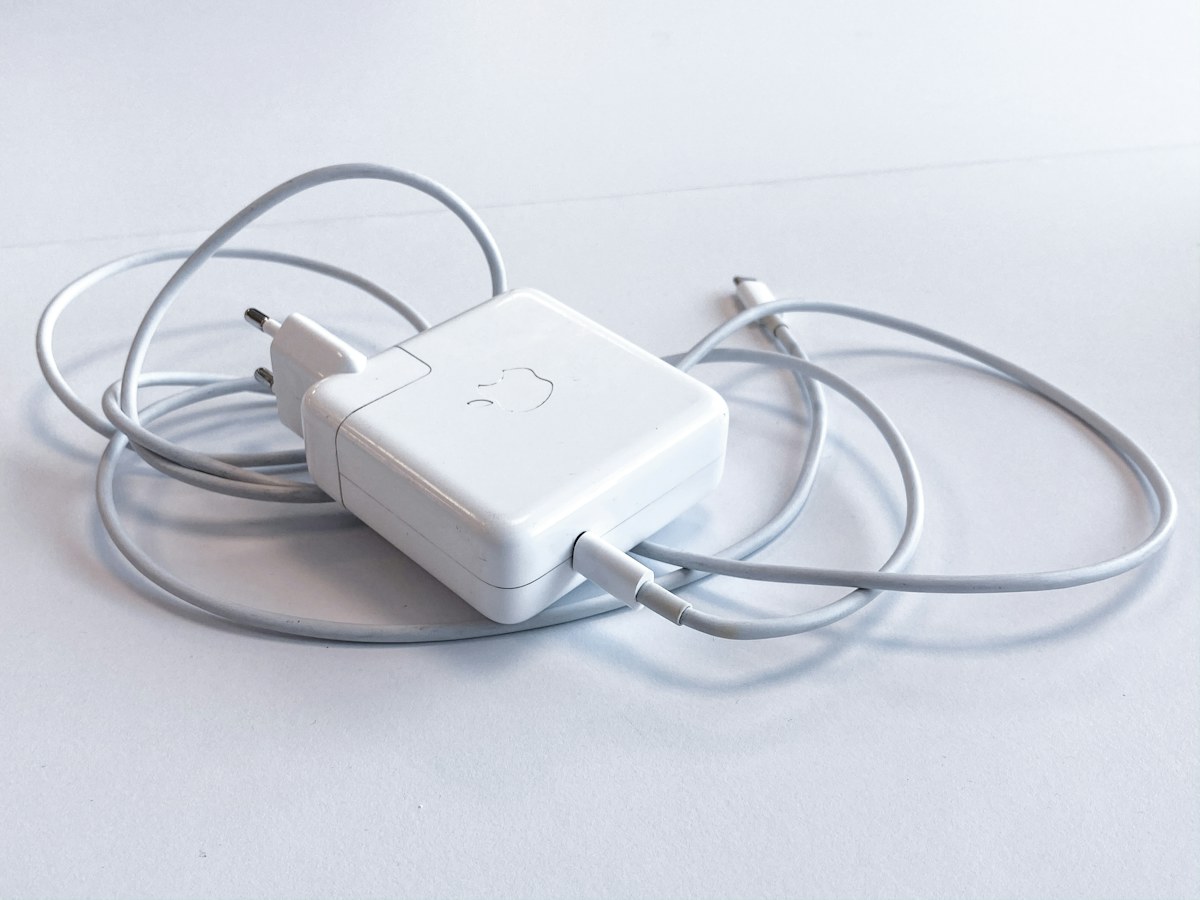
Before switching to Gallium Nitride (GaN) chargers, my backpack had a bulky MacBook brick, a separate iPhone adapter, and an extra cable for earbuds. Every coffee shop or airport gate turned into a hunt for two open wall sockets.
A single 100W 3-port GaN charger (two USB-C ports + one USB-A port) takes half the volume of an older laptop brick and powers everything from one outlet.

What to check on a 100W GaN charger spec sheet
| Spec to check | Good standard | Common trap to avoid |
|---|---|---|
| Single-port max output | 100W on either C1 or C2 port | Only one port delivers 100W while the second caps at 20W |
| 2-port simultaneous split | 65W (laptop) + 30W (phone/tablet) | Drops laptop port down to 45W when a phone plugs in |
| Prongs & form factor | Compact square body with folding US prongs | Long, heavy bricks that sag and fall out of loose airport wall outlets |
| Safety certification | UL, ETL, or CE certified from established brands (Anker, UGREEN, Satechi) | Uncertified ultra-cheap bricks that run dangerously hot |
Do not forget the cable rating
A 100W charger plugged into a cheap 60W USB-C cable will cap your laptop at 60W. Pack at least one 2-meter 100W (5A E-Marker) braided USB-C cable so you can reach awkward wall outlets behind library desks without stretching the cord.
Frequently asked questions
Why does my laptop briefly stop charging when I plug a second device into a GaN charger?
Most multi-port GaN chargers briefly disconnect for 1 to 2 seconds to renegotiate USB Power Delivery wattage budgets safely across ports. That is normal behavior.
Is a 65W GaN charger enough instead of 100W?
If you only carry a MacBook Air (30W–35W) and a phone, a tiny 65W GaN charger is even lighter and cheaper. Choose 100W if you use a 14-inch/16-inch MacBook Pro or charge two power-hungry devices simultaneously.
Are GaN chargers safe for MacBook and iPhone batteries?
Yes. Certified USB-C PD chargers negotiate exact voltage and current directly with your device's internal battery controller.